
.jpg)
Campbell County’s daily news source
WLAF’s new address is 1450wlaf.com
A new look. The same local connection.
Head to our new address for the latest from WLAF.
Save the new address to your bookmarks or favorites.
Need a little help getting there?
Seeing an old page or something not loading? Choose your device and browser for easy refresh instructions.
All set? Visit 1450wlaf.com →
A few more helpful tips
Check the address. Type 1450wlaf.com directly into your browser’s address bar. Update any old bookmark or home-screen shortcut that takes you somewhere else.
What is a cache? It’s a saved copy of parts of a website. Clearing it lets your browser download those files again.
Menus look a little different? Wording can vary with your browser version. Use the official help link in your instructions for more detail.
Still having trouble? Try another browser or switch between Wi-Fi and mobile data on your phone. Some connection or website issues cannot be fixed by clearing your cache.
 Chavis arrested for his 4th DUI, remains jailed
LAFOLLETTE, TN (WLAF)- An off and on honking horn drew attention to a man that witnesses say was slumped over the steering wheel of his mid-size SUV in the Lowe’s parking lot. La Follette Police Sergeant Dillon Marney responded to the first call that came in to Dispatch as two more separate calls about the man followed.
The sergeant located the man, later identified as Jeremiah Chavis of Jacksboro, sitting in his black Nissan Murano with the brake lights activated. Chavis responded to the officer’s knock on the driver’s side window in slow fashion appearing to be fumbling the buttons before the window rolled down, according to Sgt. Marney’s report.
“I heard and saw an ignition interlock device in the vehicle go off beeping as if it was ready for a test sample,” stated Marney in the police report. When asked for his identification, Chavis allegedly appeared as if he had forgotten where it was before locating his wallet in his right pants pocket, based on the report.
 Some snags still happening during WLAF transition
By Jim Freeman
LAFOLLETTE, TN (WLAF)- Campbell County’s only daily news source is getting a new look. On Wednesday, we launched our new 1450wlaf.com. It is a project we have all labored over and are excited to bring to you. However, with anything new, there some snags.
Here are some tips to help you navigate the new WLAF.
(more…)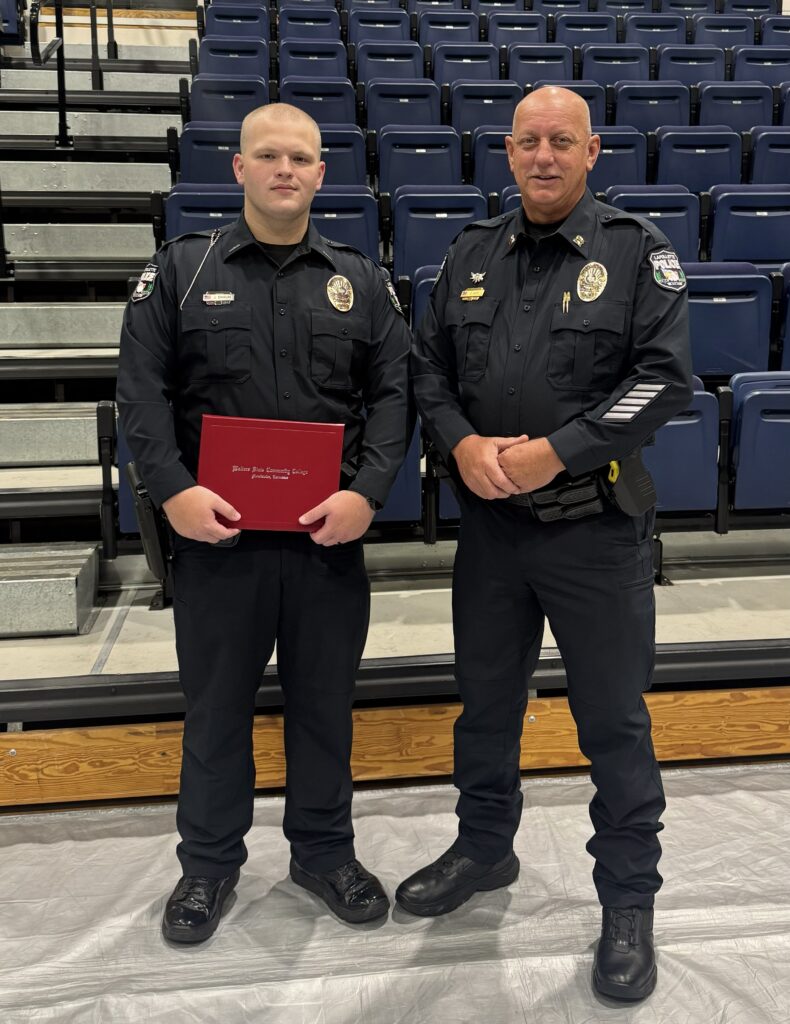 LPD’s Douglas is now graduate Officer Matthew Douglas
TOP PHOTO: Left is Officer Matthew Douglas with Captain Charles Duff, both of the La Follette Police Department.
MORRISTOWN, TN (WLAF)- “On Friday, September 18, 2026, everyone here at the La Follette Police Department congratulates Officer Matthew Douglas on graduating the Walter State Regional Law Enforcement Training Academy,” said LPD Captain Charles Duff. Officer Douglas is also a graduate of Campbell County High School. (WLAF NEWS PUBLISHED-09/18/2026-3PM-PHOTO SUBMITTED)
 Sewing club at Postmark LaFollette starts Sept. 19
LAFOLLETTE, TN (SPECIAL TO WLAF)- Postmark LaFollette will host a sewing club beginning Sat., Sept. 19, 10 am.
(more…) LaFollette accepting bids for seal and stripe parking lot
LAFOLLETTE, TN. (WLAF)- The City of Lafollette Public Works Department is accepting sealed bids for: Sealing and Striping rear parking lot of LaFollette Municipal Building.
(more…)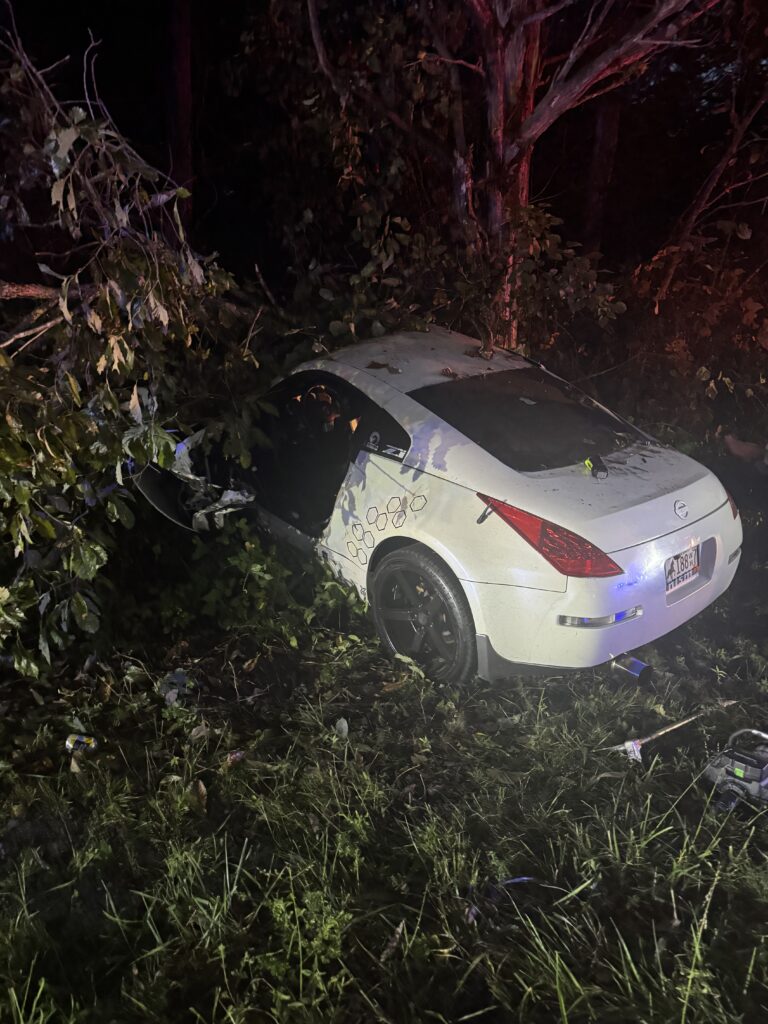 Campbell County driver freed from wreckage, airlifted to hospital
LAFOLLETTE, TN (WLAF)- On Tuesday night, first responders were called out to a single-vehicle wreck (above photo) with one person trapped and injured.
(more…) WLAF transitions to new look Wednesday, expect inconveniencesBy Jim Freeman
LAFOLLETTE, TN (WLAF)- Campbell County’s only daily news source is getting a new look. Today we are launching our new 1450wlaf.com. It is a project we have all labored over and are excited to bring to you.
Thank you to the thousands of you who connect every day to WLAF. We are thankful for you and all of our corporate partners who make WLAF the place the community turns to for its news.
Chances are you will likely be inconvenienced as we launch the new site. We apologize in advance for any inconvenience. However, these inconveniences to you and to us will soon be resolved with the new 1450wlaf.com.
The staff at WLAF appreciates your support today – your patience as well. We are asking you to work through today with us as we bring you a much better looking and friendlier navigating www.1450wlaf.com.
Best,
Jim- WLAF
(WLAF NEWS PUBLISHED-09/16/2026-6AM-GRAPHIC COURTESY OF WLAF’S AARON HOPKINS)
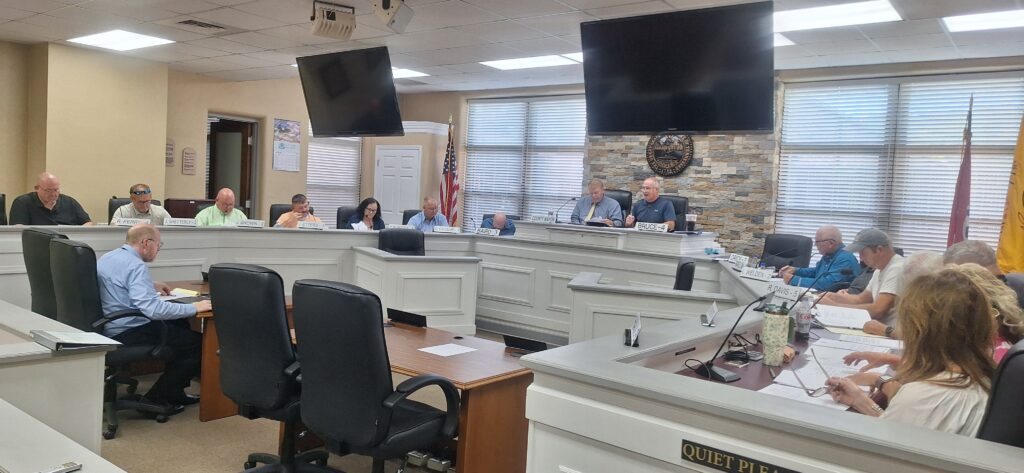 Six nonprofits to receive Opioid Abatement funds
By Charlotte Underwood
JACKSBORO, TN (WLAF)- At Monday’s County Commission Workshop, commissioners were addressed by Nathan Smiddy, the Chairman of the Campbell County Coalition of Recovery Resources C.O.R.R. regarding the distribution of Opioid abatement funds. The commission will vote on the release of these funds at next Monday’s commission meeting.
(more…)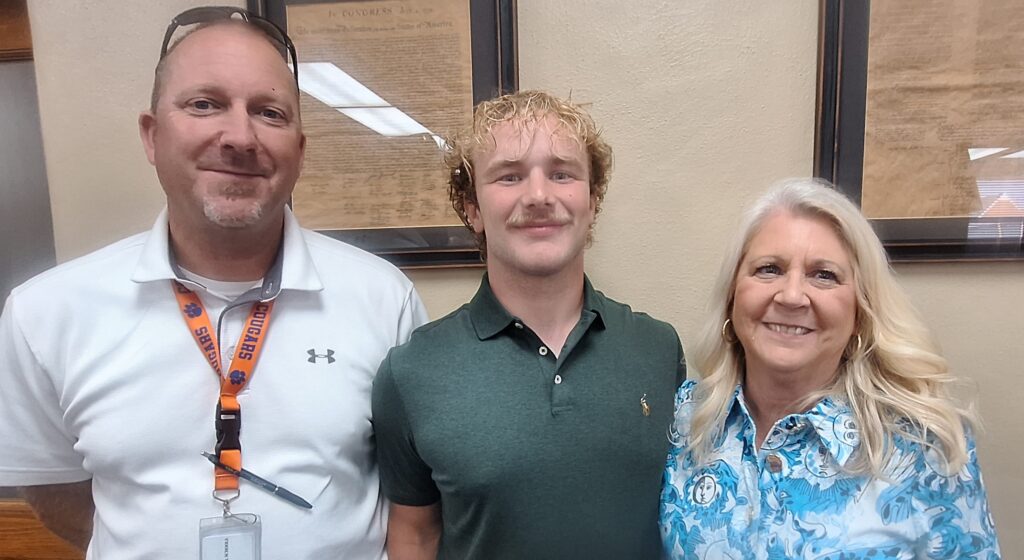

CAMPBELL COUNTY, TN (SPECIAL TO WLAF)- This year’s Campbell County Board of Education Student Representatives were recently introduced by Director of Schools Charlotte McCoy, who read a bit about each member. The representative from Jellico High School is Alyssa Brandenburg while Campbell County High School’s representative is Kiren Anderson.
(more…) Prosecutors in Allen murder trial file motion to stop mention of consequences
By SUSAN SHARP
JACKSBORO, TN. (WLAF)- As the date for Heather and Brian Allen’s murder trial draws closer, another motion has been filed. This time it is prosecutors who are requesting restrictions from the court.
(more…) AAA warns fans about biggest risks of tailgating season
NASHVILLE, TN (SPECIAL TO WLAF)— Football season brings fans together in stadium parking lots across the country, but AAA warns that tailgating can also lead to vehicle fires, burn injuries, property damage, insurance claims, and impaired-driving crashes when basic safety precautions are overlooked.
(more…) 72 cars pass through THP Checkpoint at White Bridge
LAFOLLETTE, TN (WLAF)- Tennessee Highway Patrol Troopers are concentrating their efforts on vehicles being operated by drivers who are driving impaired/driving under the influence in the State of Tennessee.
The September THP Sobriety Checkpoints will be held in Campbell County on Friday, September 25, on Demory Road at the White Bridge. The last time the THP conducted a checkpoint at this location, 72 vehicles came through the staging area between 11pm and midnight. Out of those 72 vehicles, two vehicles were detained while four warnings were issued.
(more…)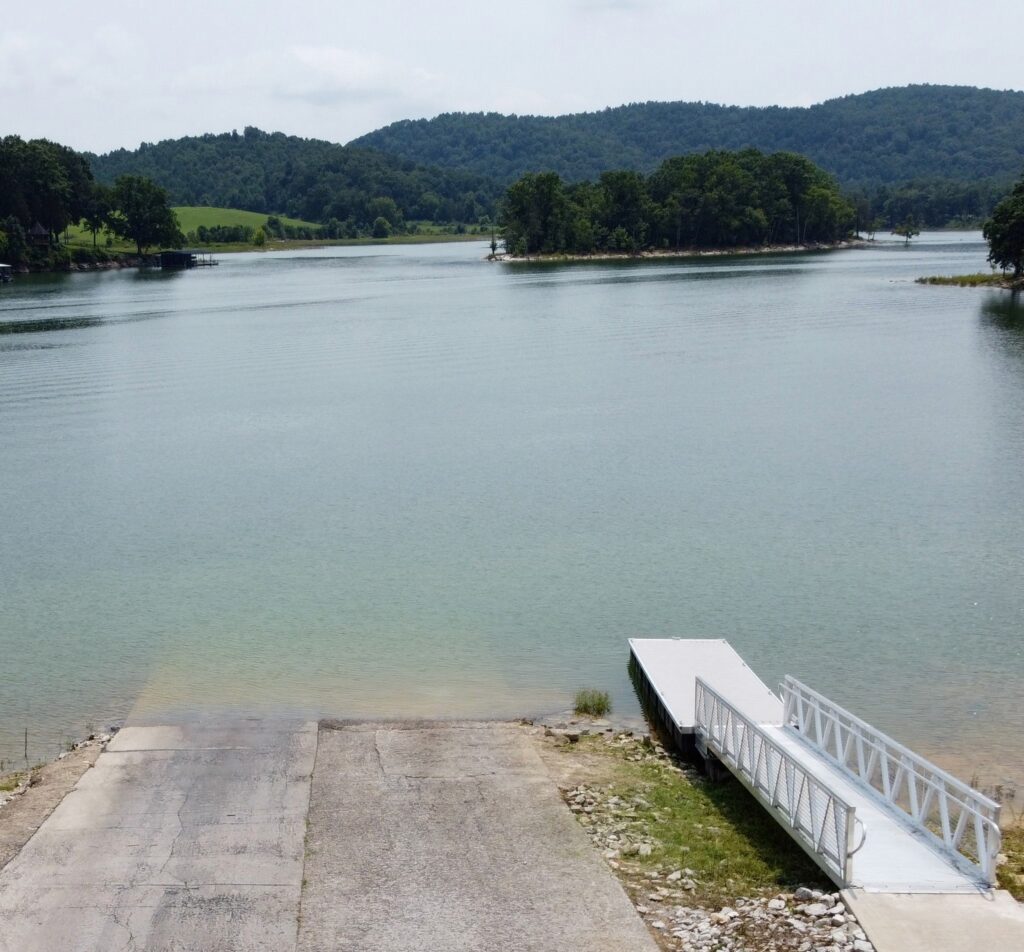 Island, surrounding lake clean up set for Saturday 9am
WELL SPRINGS, TN (SPECIAL TO WLAF)- Volunteers are needed.
On Saturday, September 19, the Norris Lake Project Team and TVA will be putting on a clean-up of litter and material from the island and lake off the boat ramp on Well Road.
TOP PHOTO: In this photo from WLAF’s Charlie Hutson, you can see the island where the clean-up will take place.
(more…)